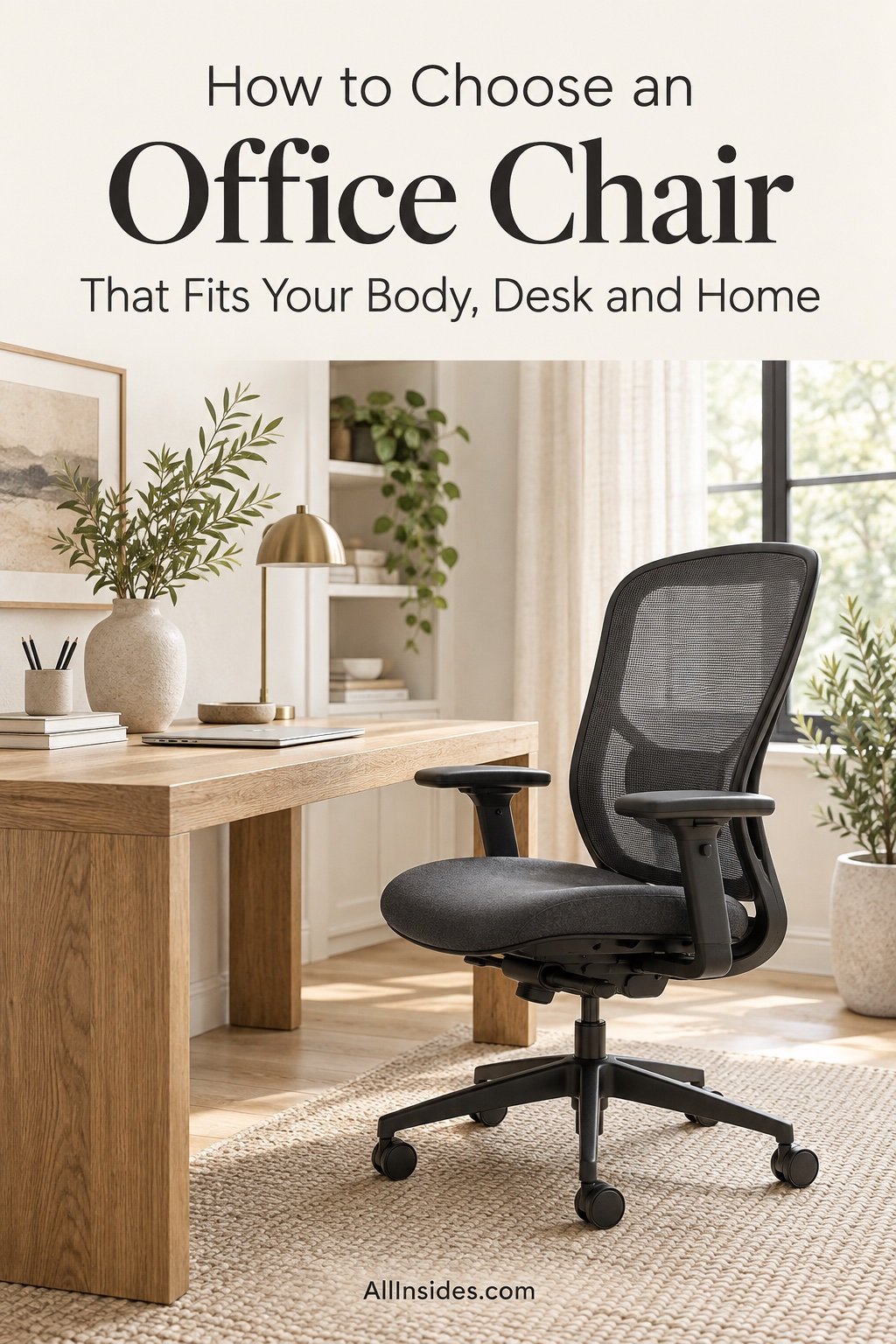
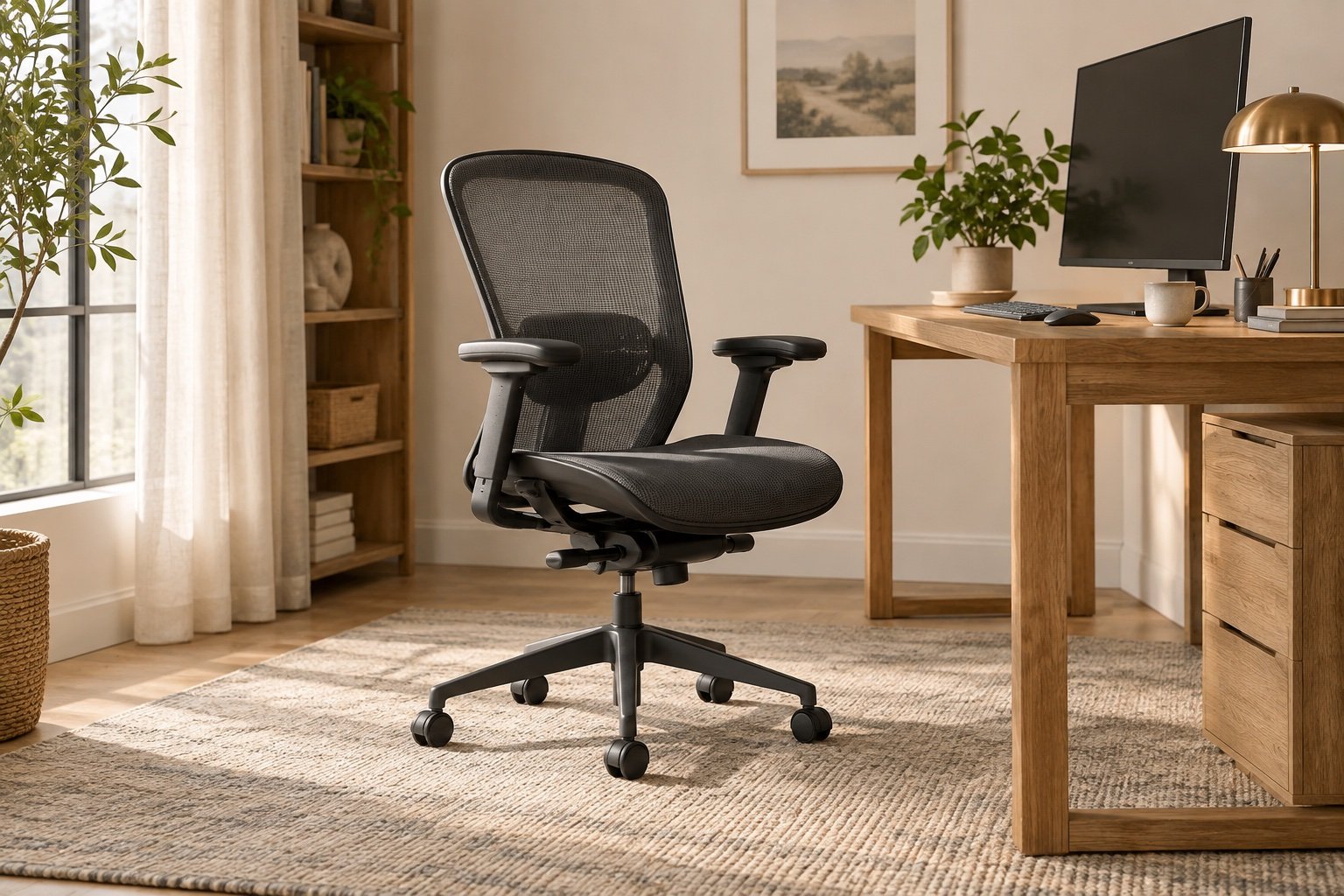
Disclosure: This post contains affiliate links. If you buy through them, AllInsides may earn a small commission at no extra cost to you.
An office chair can be described as ergonomic and still be completely wrong for your body, desk or room. The label matters less than whether the seat supports you while your feet, knees, back and arms remain in comfortable positions.
The best chair is adjustable enough to fit the person using it, compact enough to reach the desk and durable enough for the hours it will work each week.
This guide explains the fit checks to perform before buying, which adjustments earn their cost and how to find a breathable chair that belongs in a home rather than a corporate cubicle.
Key Takeaways
- Your feet should rest on the floor or a stable footrest.
- Seat depth should support the thighs without pressing behind the knees.
- Lumbar support should meet the natural curve of your lower back.
- Armrests must allow relaxed shoulders and clear the desk.
- Test the return policy, warranty, user size range and weight rating.
Contents
- 1. Fit seat height and depth
- 2. Check back and lumbar support
- 3. Test arms and desk clearance
- 4. Choose materials
- 5. Compare quality and value
- How to test a chair
- Common mistakes
- FAQs
1. Fit the Seat Height and Depth
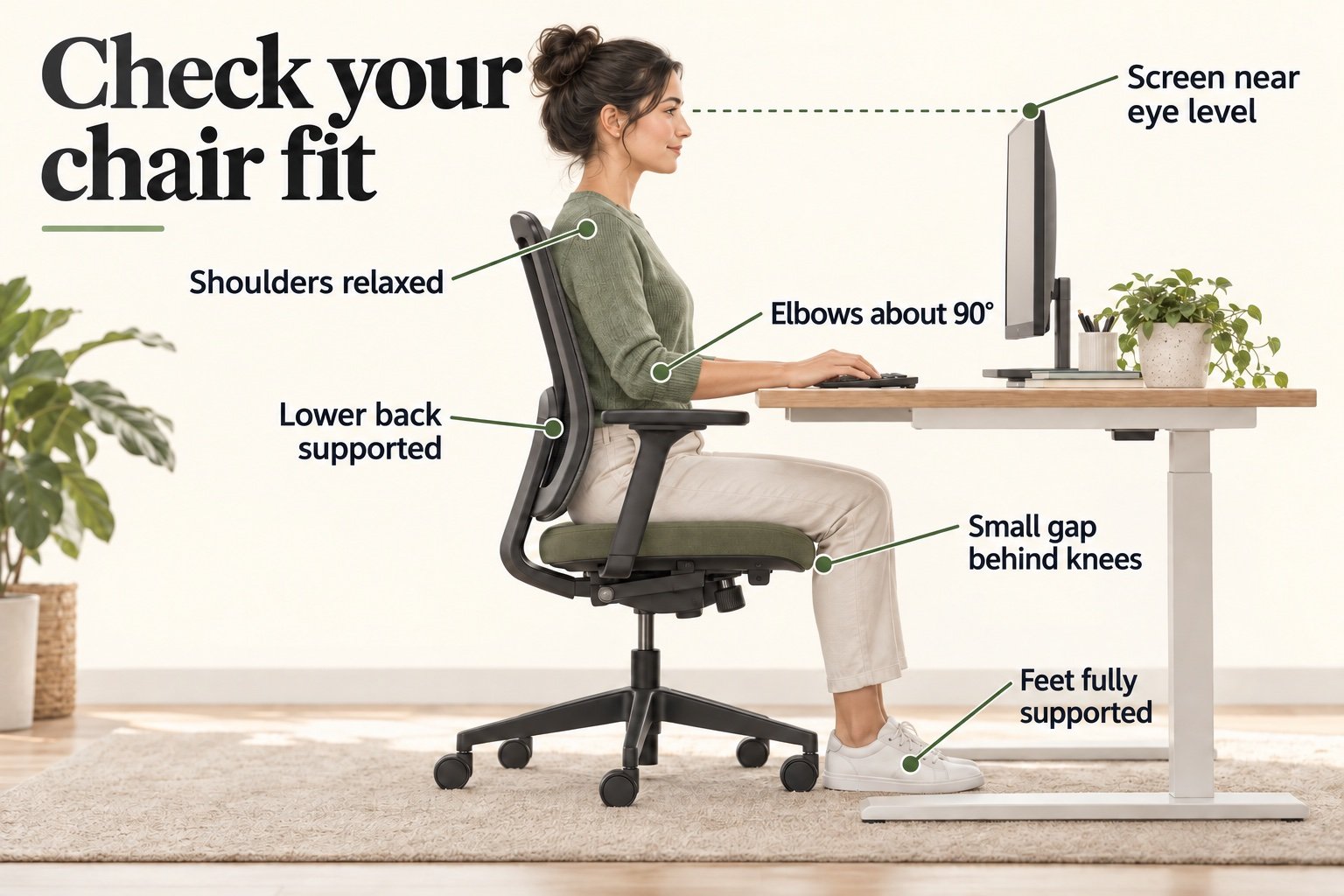
Adjust the height until your feet are flat and your thighs feel supported without pressure. Knees should sit around hip level or slightly lower. If the desk forces the chair too high, add a stable footrest rather than leaving the feet unsupported.
Slide fully against the backrest. The seat should support most of the thighs while leaving a small gap—often two to four finger widths—behind the knees. An ergonomic chair with adjustable seat depth suits a wider range of bodies than a fixed deep seat.
| Feature | Fit check | Why it matters |
|---|---|---|
| Seat height | Feet supported; thighs comfortable | Reduces pressure and dangling |
| Seat depth | Small gap behind knees | Allows backrest contact |
| Seat width | Room to sit and move | Avoids side pressure |
| Front edge | Rounded or waterfall shape | Reduces contact pressure |
| Base and casters | Stable on your floor | Supports safe movement |
2. Check the Backrest and Lumbar Support
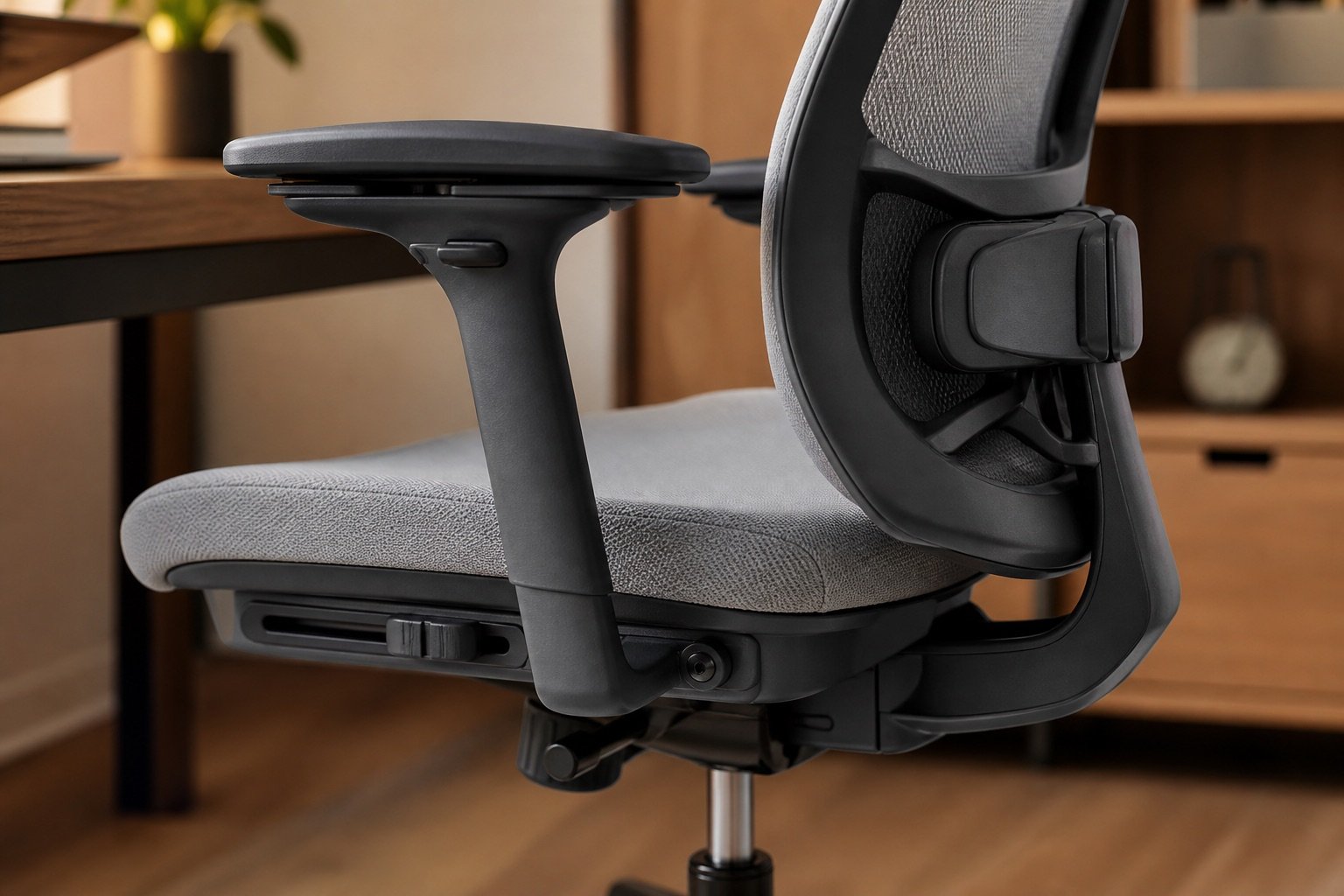
The backrest should support the lower back without pushing you into an exaggerated arch. Height-adjustable lumbar support is valuable when several people share a chair or when fixed support lands above or below your curve.
A recline with controllable tension allows movement throughout the day. The chair should not force one rigid posture; it should support several comfortable positions while you change tasks. A headrest is optional unless you regularly recline and can position it without pushing the head forward.
3. Test Armrests and Desk Clearance
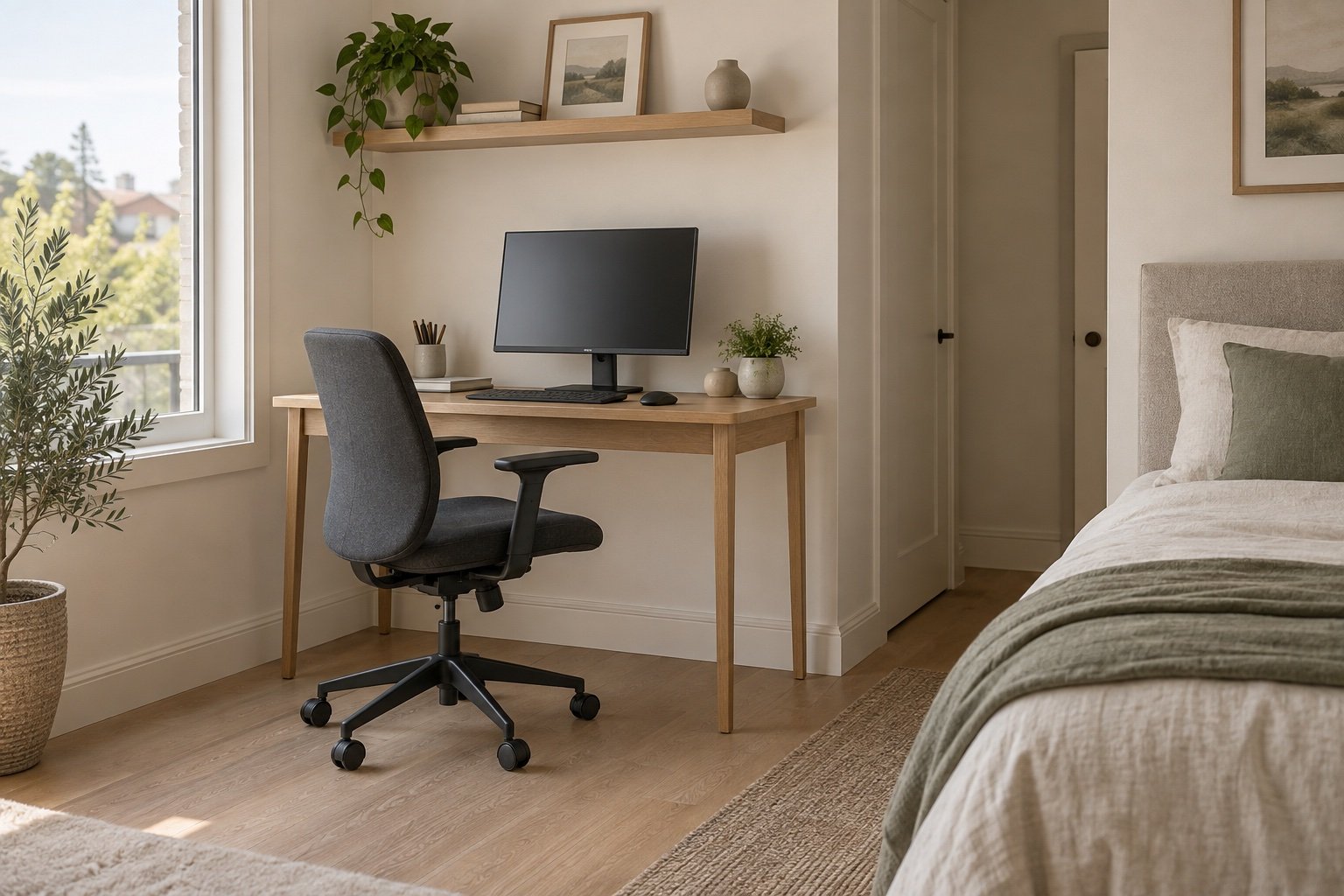
Armrests should meet the forearms while the shoulders remain relaxed. If they push the shoulders upward, force the elbows outward or prevent the chair from approaching the keyboard, adjust, lower or remove them if the design allows.
Measure the height beneath the desk before ordering. Flip-up arms can help in a compact room, but they do not replace useful adjustment during work. Search compact adjustable mesh chairs and compare actual arm, seat and overall dimensions rather than relying on “space-saving” wording.
4. Choose Materials for Your Climate and Routine
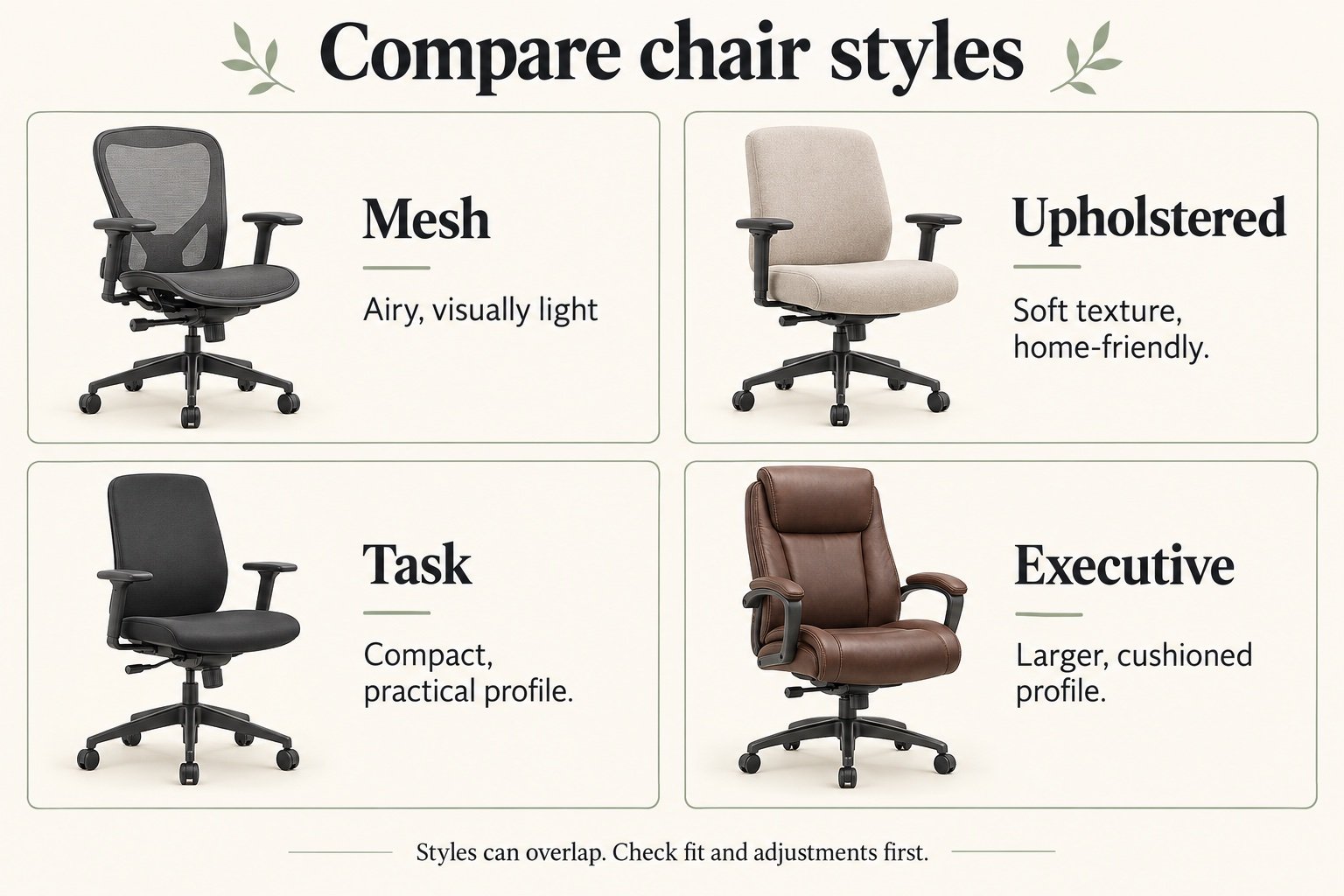
A mesh back promotes airflow and visually appears lighter in a home office. A padded fabric seat distributes pressure differently and may feel more familiar. Full mesh can be comfortable in warm rooms, but edge tension and weave quality vary.
Leather and synthetic leather wipe clean but can feel warm and may peel with age depending on quality. Choose a neutral gray, oatmeal, muted green or soft black if the chair needs to blend with warm wood furniture. Color should follow fit, not override it.
5. Compare Quality, Warranty and Real Value
Check the stated user-height range, maximum load, warranty length, replacement parts and return conditions. Certification to a recognized furniture performance standard can provide useful evidence of structural testing, but it does not guarantee that the chair fits you.
A refurbished commercial chair may offer better mechanisms and parts support than a new decorative chair at the same price. For an existing chair that is slightly too high, a stable adjustable footrest can restore foot support, but accessories cannot fix the wrong seat depth or misplaced backrest.
How to Test an Office Chair
- Set seat height. Support both feet and check thigh pressure.
- Set seat depth. Sit against the back with a gap behind the knees.
- Place lumbar support. Match the lower-back curve without excessive pressure.
- Adjust arms. Relax shoulders and move close to the keyboard.
- Recline and move. Confirm controlled support and suitable casters.
- Sit for real work. Use the trial or return window for more than a few minutes.
Common Mistakes to Avoid
- Buying by height alone: Seat depth and backrest position may still be wrong.
- Choosing a thick, soft seat: Initial softness can become poor support.
- Prioritizing a headrest: Core seat and lumbar adjustment matter more.
- Ignoring the desk: High arms can keep you too far from the keyboard.
- Assuming “ergonomic” is a standard: Check the actual adjustments.
- Sitting continuously: Even a well-fitted chair cannot replace regular movement.
Frequently Asked Questions
What adjustments matter most?
Seat height, appropriate seat depth, lumbar support, recline tension and armrests that fit the desk are the strongest starting points.
How much gap should be behind the knees?
A small gap, often around two to four finger widths, helps avoid pressure while allowing contact with the backrest.
Is mesh better than fabric?
Mesh offers airflow and a light appearance; fabric cushioning may distribute pressure differently. Construction quality and fit matter more than material alone.
Do I need armrests?
Not necessarily. Useful armrests support relaxed forearms without obstructing the desk. Poorly placed arms can be counterproductive.
Is a headrest necessary?
It is optional for most upright computer work. It is most useful during recline when correctly positioned.
Can an office chair cure back pain?
No chair can promise that. A suitable setup may improve comfort, but persistent or severe pain should be assessed by an appropriate health professional.
Conclusion
Choose an office chair by testing the relationship between your body, the chair and the desk. Feet supported, thighs comfortable, lower back supported and shoulders relaxed are better buying signals than styling labels.
Once the fit and adjustment range are right, select a breathable material and color that suits the room. A chair that works beautifully will ultimately look better than one chosen for appearance alone.